Open WebUI and GPU Trader
Open WebUI is an open-source, browser-based interface for interacting with large language models (LLMs) like those running on Ollama, LM Studio, or local GGUF models. Designed for speed, simplicity, and privacy, Open WebUI offers a clean chat interface with support for multi-user access, prompt history, system prompts, and customizable personas. It runs entirely on your own hardware or containerized environment, ensuring full control over data and model execution. GPU Trader offers a pre-configured managed template to deploy Open WebUI in a single click—making it easy to run private, performant LLMs without needing cloud accounts or API keys.Install Open WebUI on GPU Trader
1
Sign Up and Create an Account
Start by signing in or creating an account on GPU Trader. If you need help, watch the GPU Trader Quickstart or read the docs.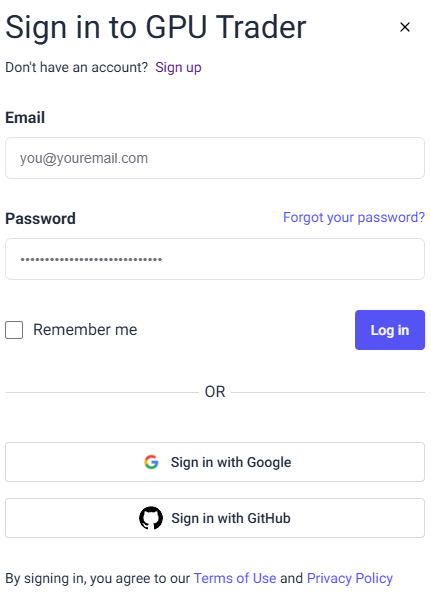
2
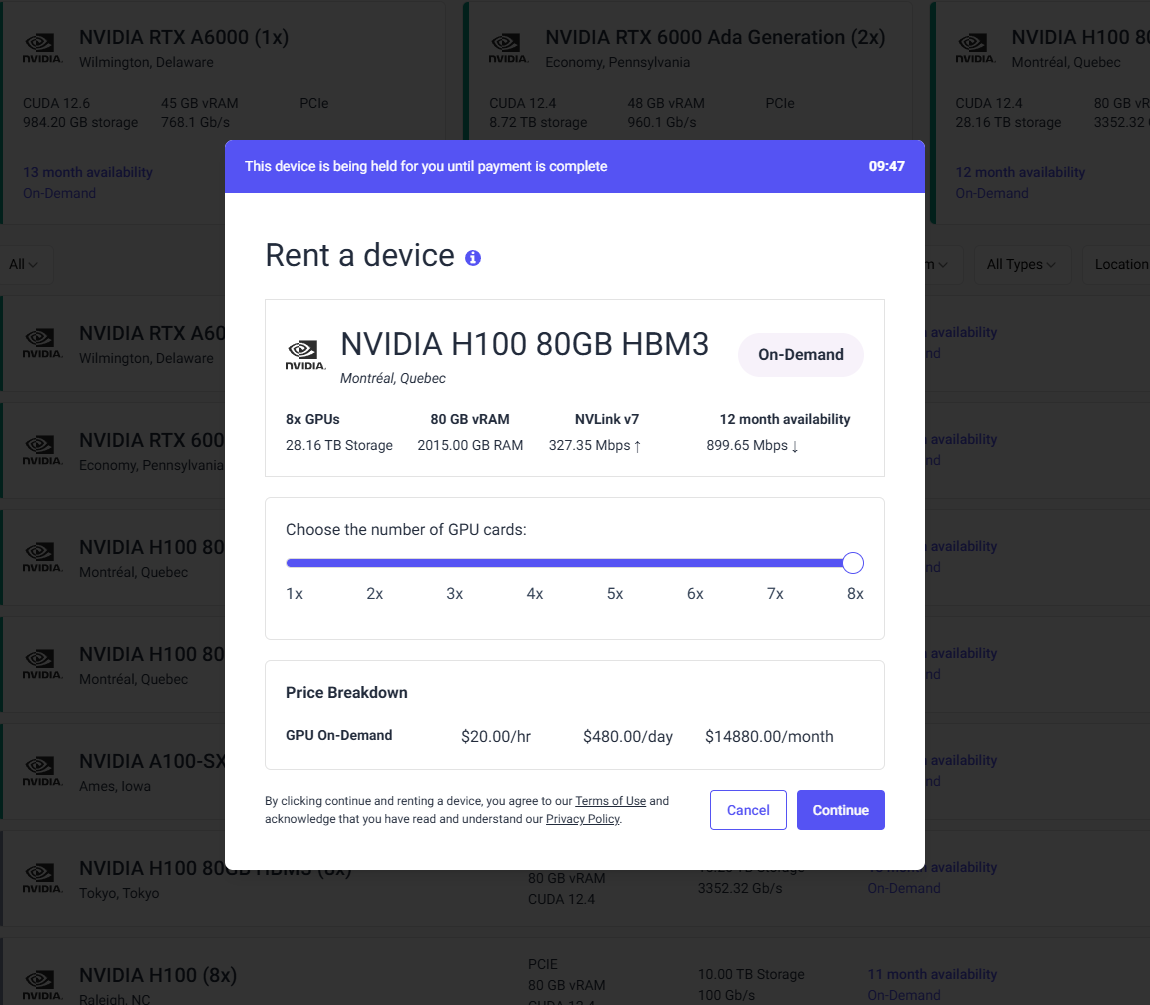
Find and Rent a Compatible Instance
Use the Find a Device page to browse available GPUs. Filter by model, price, or provider to select a system that meets Open WebUI’s requirements.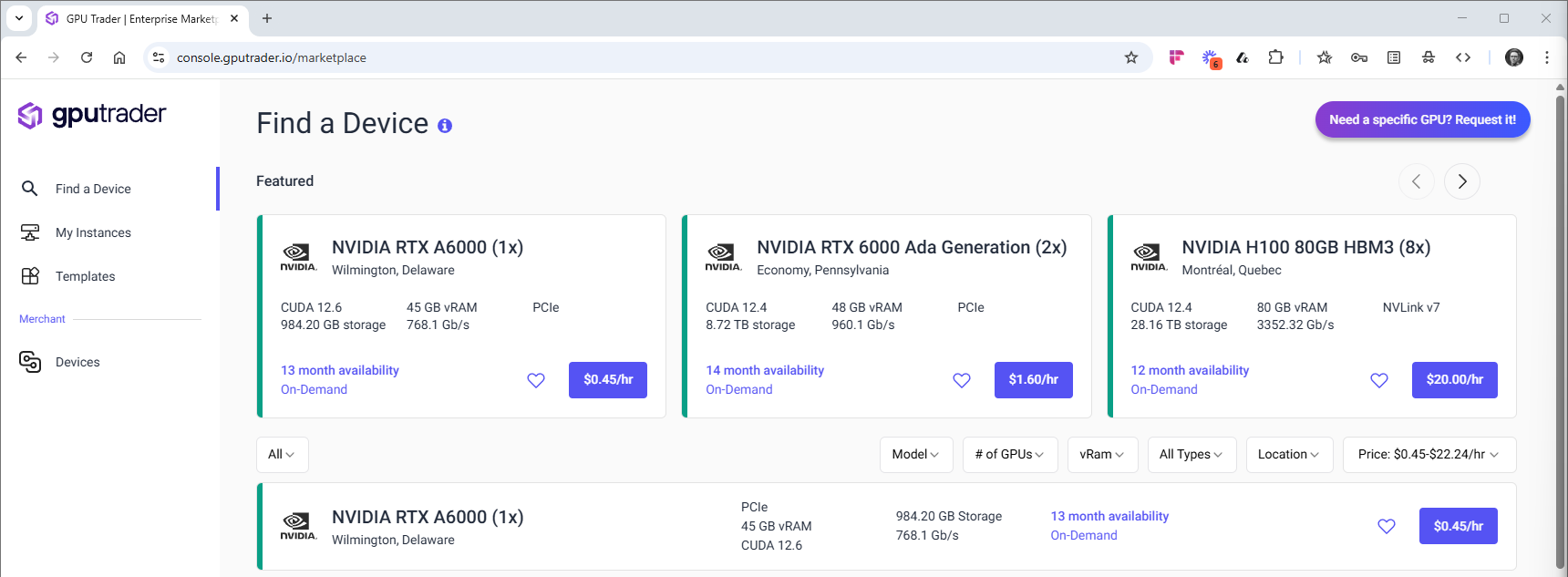
3
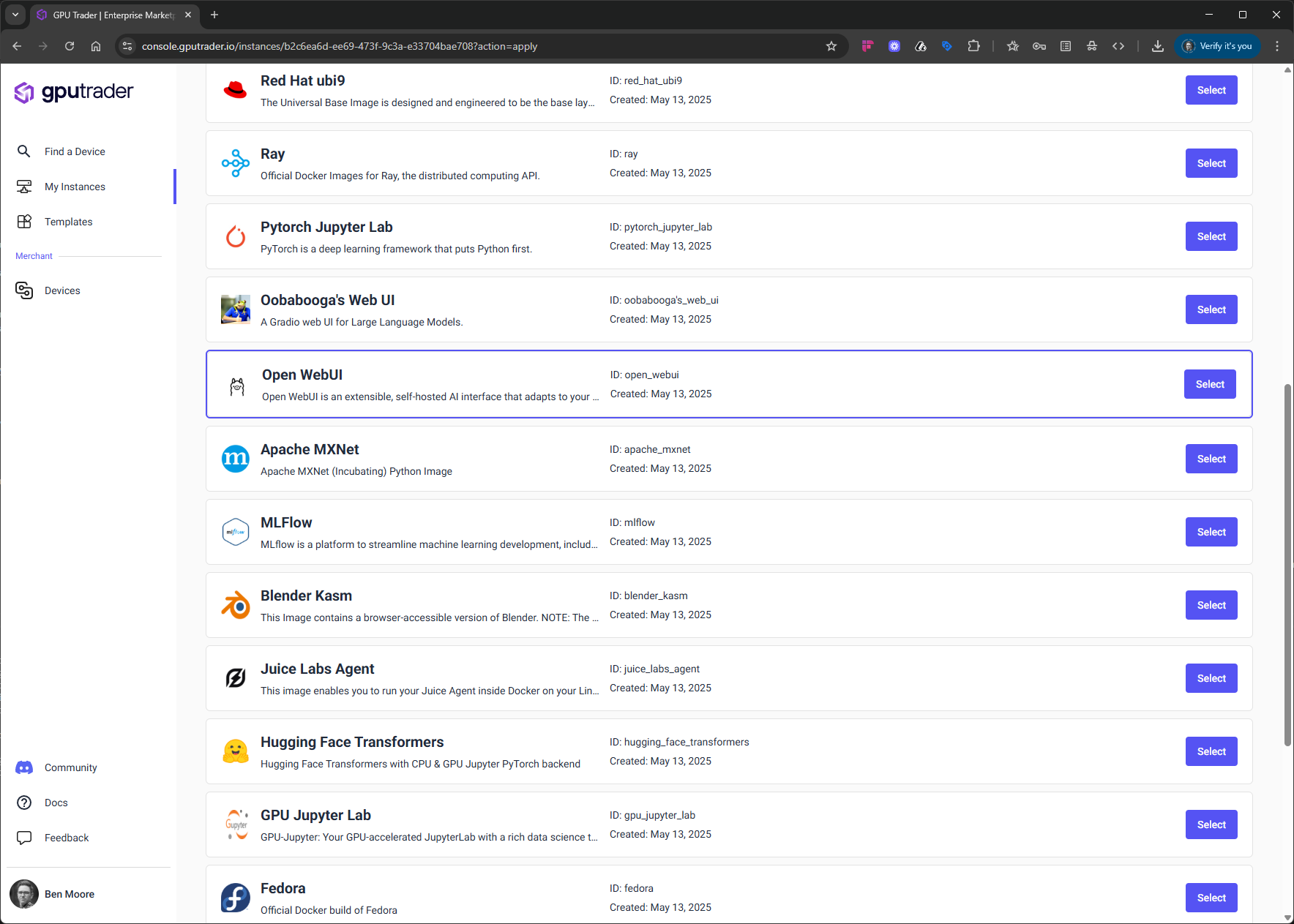
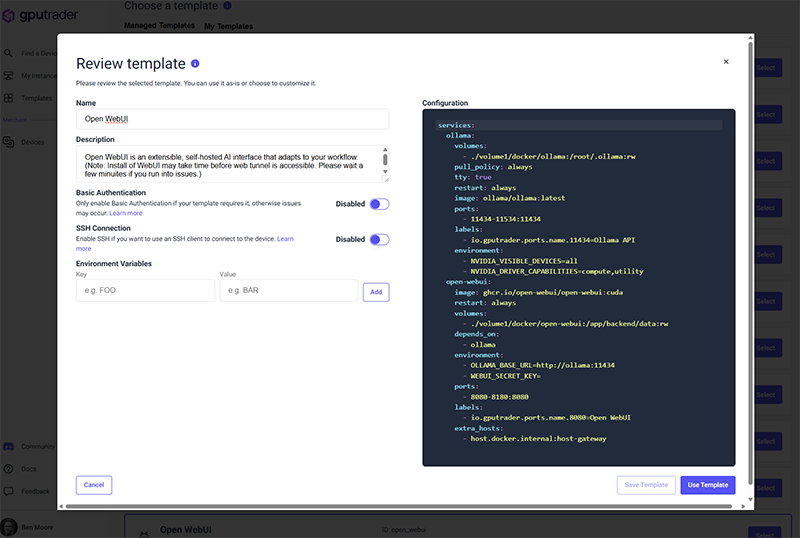
Configure Your Instance for Open WebUI
4
Launch Open WebUI and Start Conversing
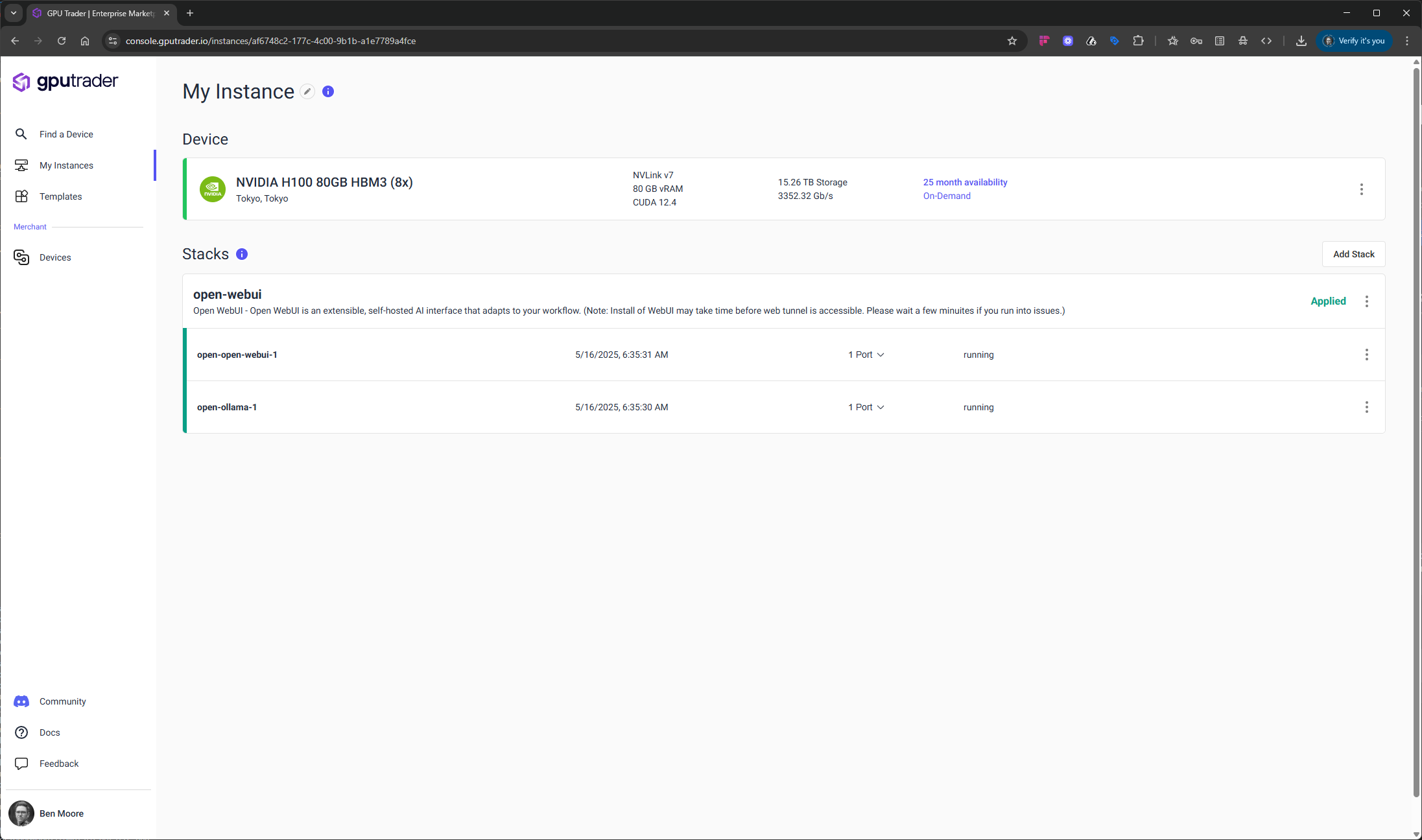
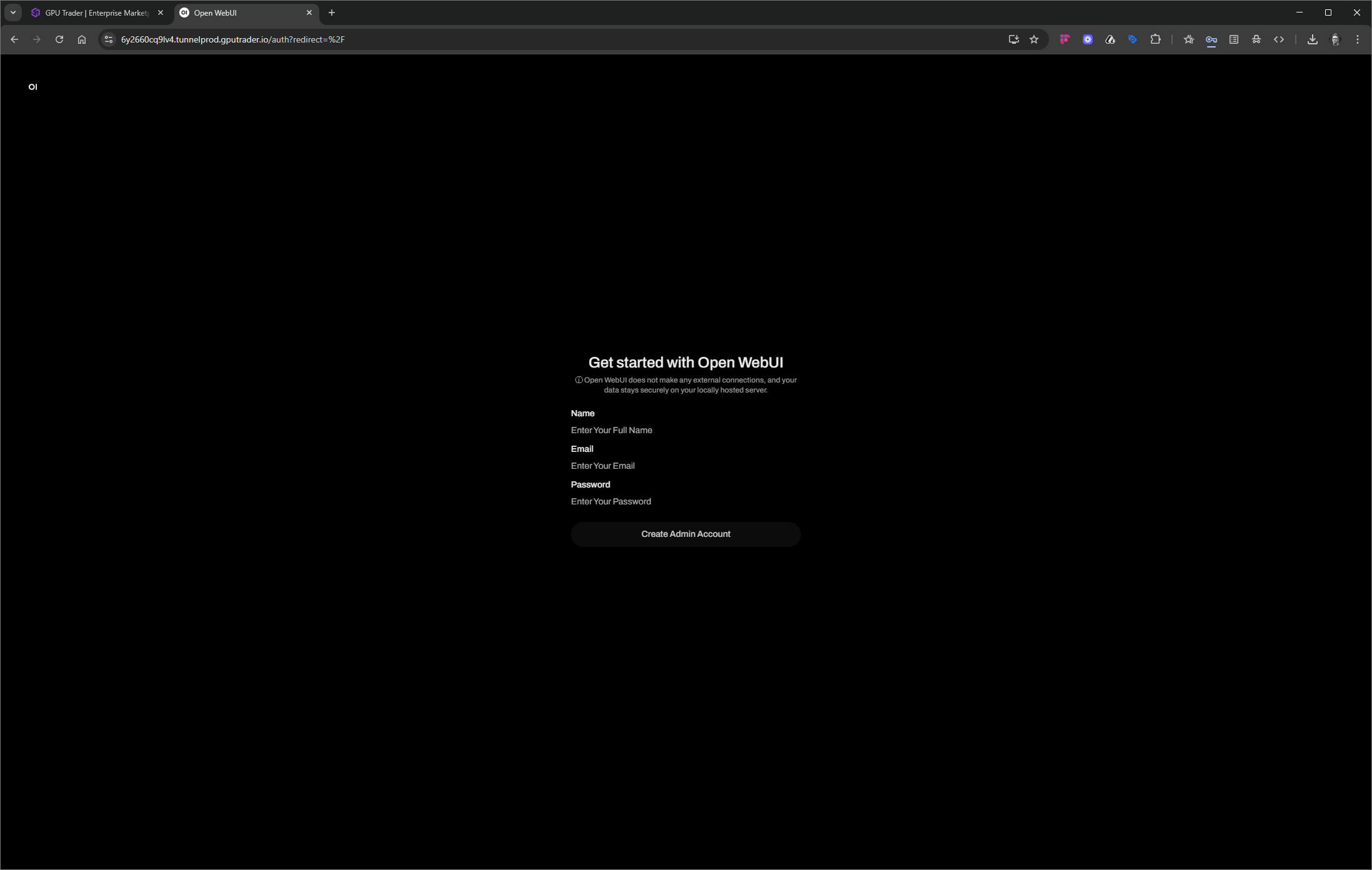
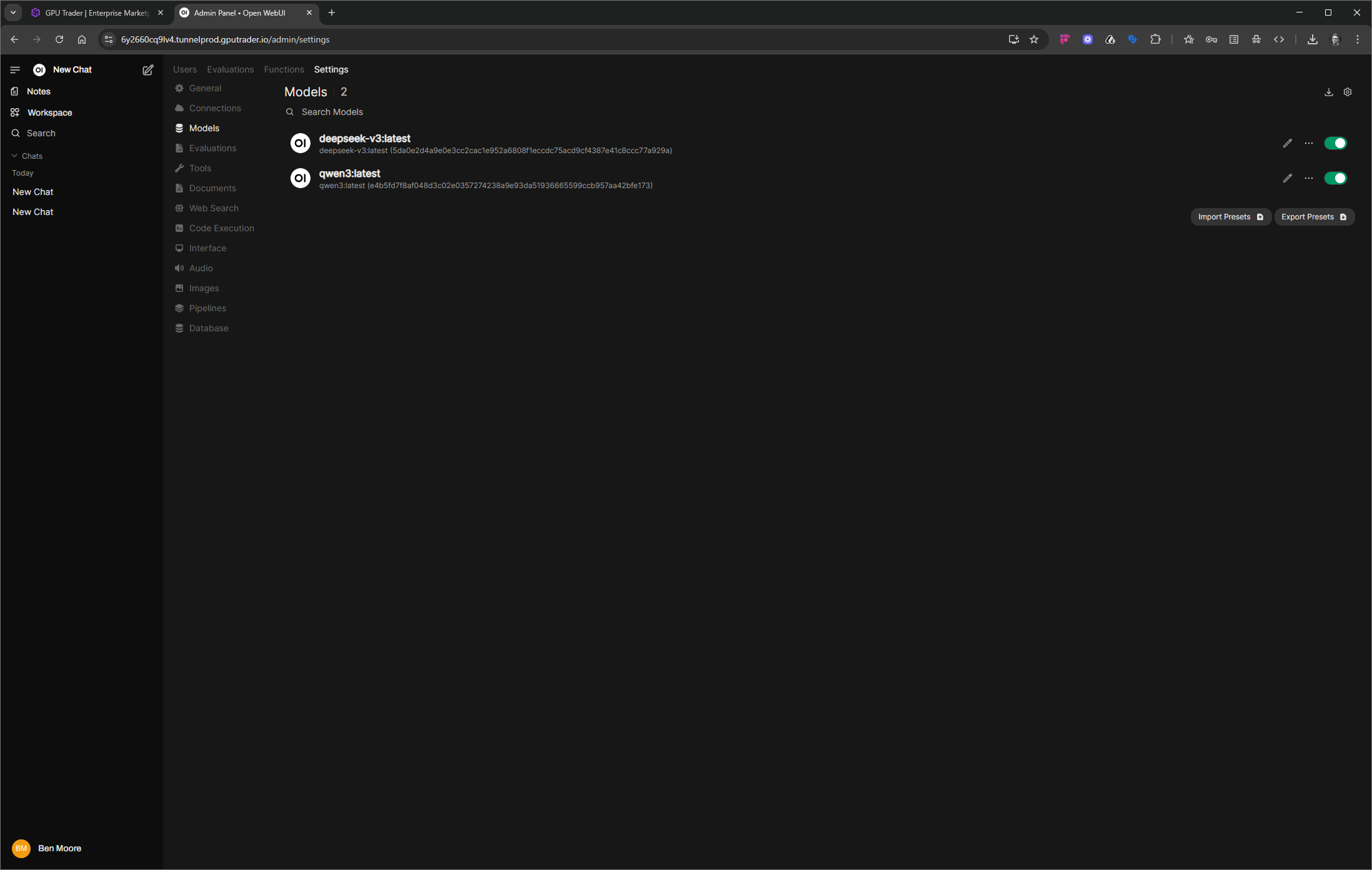
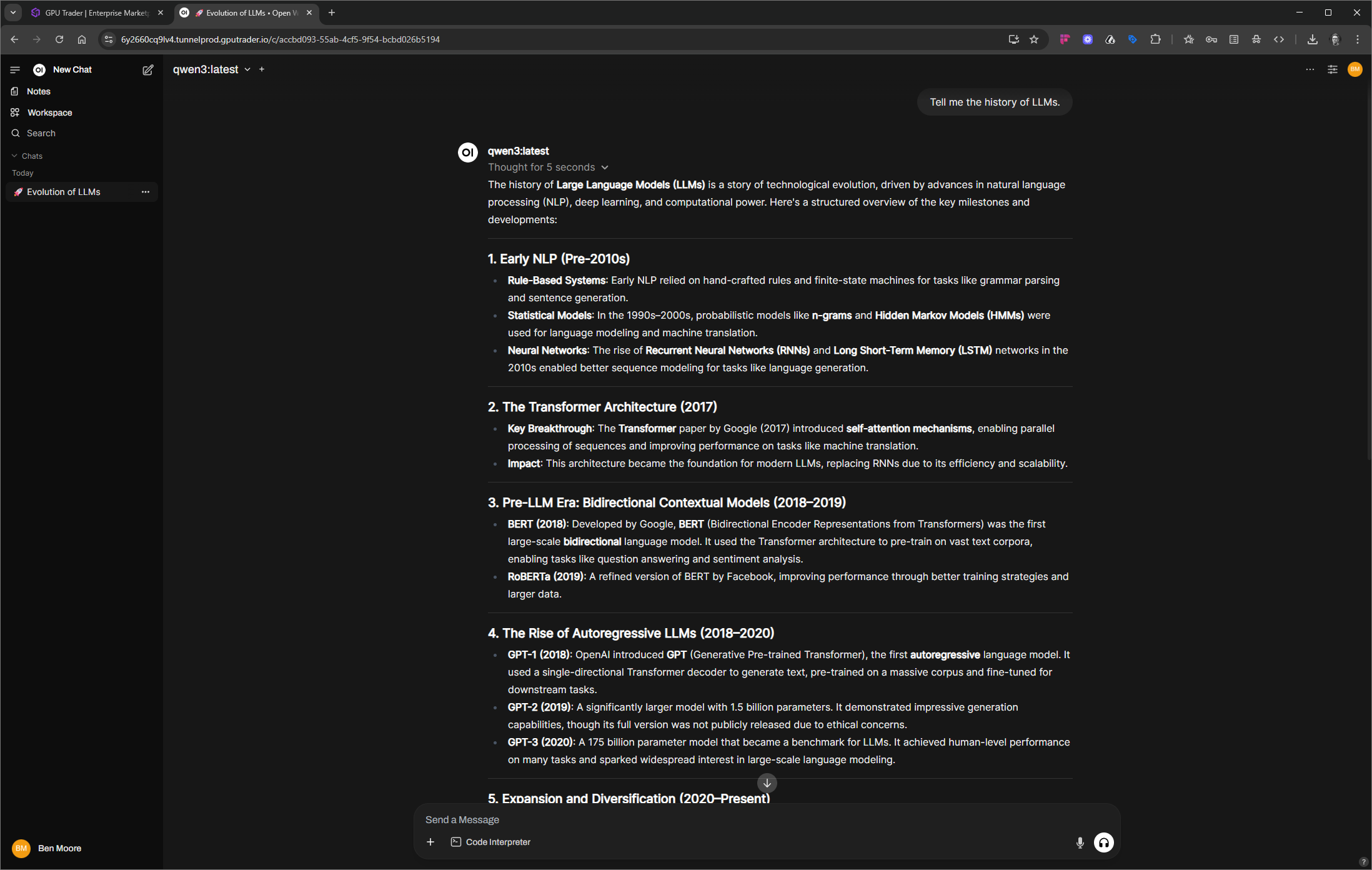
Once Open WebUI is installed, launch the application by selecting the port dropdown or kebab menu to access the UI from your browser. Now you can create your account, add new users, and download the models of your choosing.